
Name-Based Case Searches
For Cheyenne County District Court case information, Kansas CaseSearch is the public entry point. Accept its terms. Pick the right court or the all-location choice, then select a party-name search. Search a business as a business. A similar personal name alone does not prove a result concerns the intended person.
- Select the court location and party or business search type.
- Enter the name in the format requested by the current screen.
- Complete the human check and run a broad search first.
- Add date, type, status, or other filters only when needed.
- Compare county, filing date, party role, judge, and events before relying on a match.
| Field | Required | Use |
|---|---|---|
| Court | Screen dependent | Choose Cheyenne County or an available broader option. |
| Search Type | Yes | Name, business, case, citation, attorney, judge, or cross-reference. |
| Search Term | Yes | The name or identifier available to the searcher. |
| Case Type | No | Narrow a result set after the basic query. |
| DOB or dates | No | Use only where offered and appropriate. |
| CAPTCHA | May appear | Complete the public human check. |
Cheyenne County Kansas CaseSearch
The portal asks for Court, Search Type, Search Term, and extra filters. It then requests case type, date fields, and a CAPTCHA. Sign In runs through ID.me. A Request Expanded Access option also appears. Guests get basic public information. Expanded access is an approval route, not a requirement for an ordinary public lookup.
The portal itself warns that its output is not the official court record. A result can omit a sealed item. It can also miss a restricted case, an older converted document, or material outside online access. When the index falls short, save the case number. Ask Angela Sundstrom, Clerk of the District Court, for the public document or a certified copy.
Cheyenne County Search Access
People often mistake the Kansas Courts eFiling portal for public search. The eFiling System takes filings from authenticated users and feeds the Enterprise Justice Odyssey system. Guests looking for the case-search screen should look elsewhere.
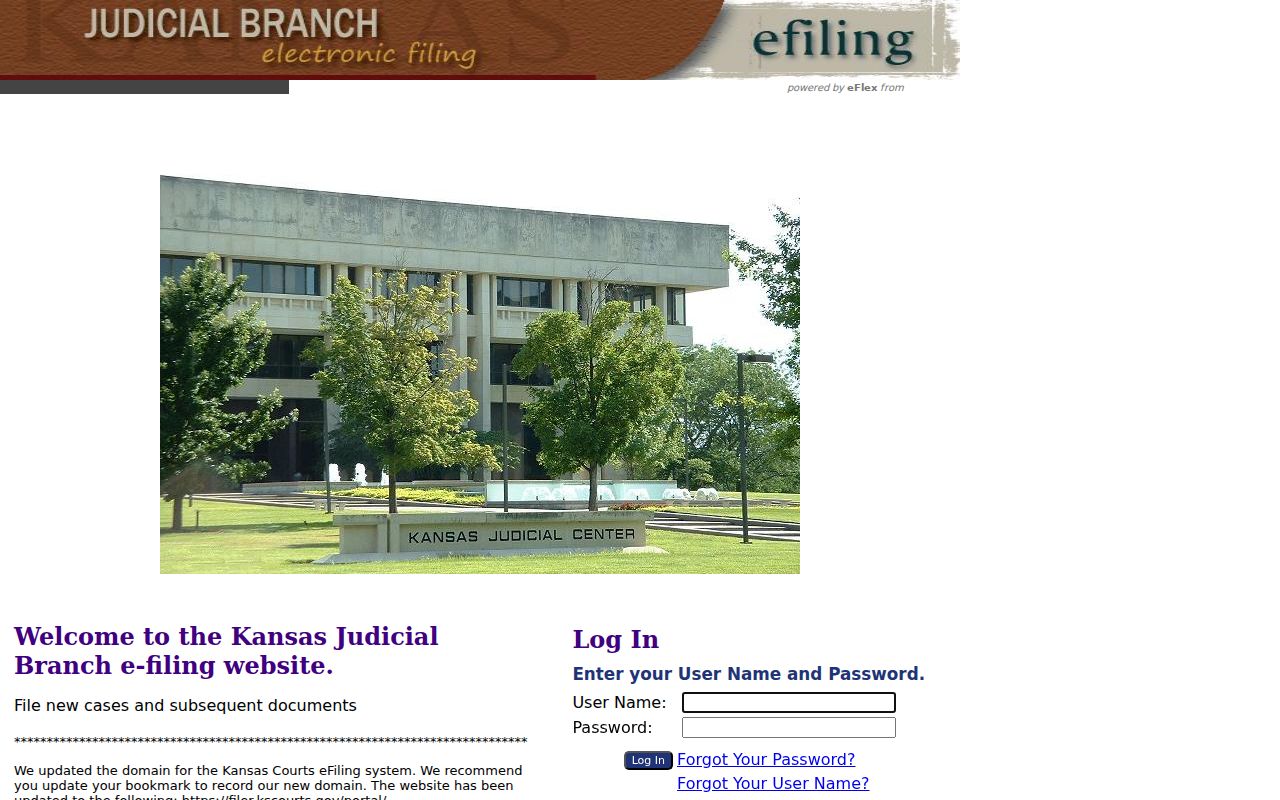
That official screen marks the filing route. Members of the public seeking an index should return to CaseSearch, while filers use the login-controlled portal.
Case Number Searches
A case number is usually a cleaner key than a common name. The official Smart Search guide describes Odyssey-era Kansas numbers. The format is a county abbreviation, a four-digit year, a case-type code, and a six-digit sequence. The 15th Judicial District joined the Track 5 rollout on July 11, 2022. A safe planning pattern is ??-2022-CR-000001. The guide gives a Barton County example. It does not publish Cheyenne County's exact prefix, so do not guess it. Copy the number from a notice or ask the clerk to confirm it. Older cases can follow the prior 2022-CR-000001 style.
Enter punctuation as the current screen directs. If the exact query fails, verify the court and number with the clerk. Do not change digits until an unrelated case appears.
Cheyenne County Search Filters
The official Smart Search guide lists more options than most users need, so start with one reliable identifier and add filters only after seeing the first result set.
- Smart Search
- A general query using a record number or name.
- Business Name
- The correct party option for an organization rather than a person.
- Cross-reference
- Another number associated with a court record when supported.
- Sounds Like
- A broader party-name option that can return more false matches.
- Case Status
- A system label such as pending or closed, not a full explanation of the outcome.
A docket search also lets you narrow results by attorney bar number or attorney name, citation number, judicial officer, nickname, DOB range, file dates, and case type. Which filters the Cheyenne County system offers depends on the court and the type of search you run.
Case Search Results Explained
A Cheyenne County result is an index-level summary. It can show useful facts without displaying each pleading or order. Read roles and dates with care, because a filing date is not always the date of the event that caused the case, and a listed party is not always a defendant.
| Case number | The court identifier and best reference for a clerk request. |
|---|---|
| Case type | The category assigned by the court. |
| Parties and roles | Names plus their procedural positions, where public. |
| Filing date | The date the case entered the court system. |
| Status | A portal label that may require the event list for context. |
| Events | Hearings, filings, and orders recorded in the public index. |
| Documents | Only links the access rules permit for that case. |
A portal printout is not a certified copy. When you need the document and not just its index entry, use Cheyenne County court case records.
Older Cheyenne County Cases
Converted records explain many apparently incomplete results. The official guide is clear on this. Documents converted from FullCourt before Odyssey are not available on the web. Public converted documents may still be reached on the courthouse terminal. The index can therefore exist while its linked document does not.
Index only? Record the exact case number and document name, then use the courthouse public terminal or send a precise request to the clerk.
Ask whether the item is available through the terminal, an older paper archive, or a written copy request. That is a normal access path for mixed-era Cheyenne County records. It is not proof that the case vanished.
Two Ways to Search: County and State
Cheyenne County publishes no separate remote district-court database. The statewide portal and the local clerk work as complementary channels.
| Route | Best use | Limit |
|---|---|---|
| Kansas CaseSearch | Remote public index search across district-court locations | Not the official record; restricted and converted content may be absent |
| Courthouse terminal | Public records and converted documents not on the web | Requires courthouse access |
| Cheyenne County clerk | Precise requests, status checks, and certified copies | Fees and access law apply |
Every courthouse keeps a public search computer, according to the 15th Judicial District records page. When the item you need still is not available there, send the court a written request next.
Which Cases Stay Restricted
Kansas Rule 22 explains why some Cheyenne County cases or documents do not appear. Some categories can be excluded or limited. Adoption, care and treatment, CINC, juvenile, grand-jury, expunged, protected family, guardianship, poverty-affidavit, presentence, exhibit, and some warrant material all qualify. A missing result is not permission to seek a copy from an unofficial data broker.
Sealed, restricted, and expunged do not mean the same thing. A seal follows law or a court order. Expungement follows a statute. A public case can also contain a restricted document. Ask the clerk what public access permits without requesting protected personal data.
Cheyenne County Federal Case Searches
Federal matters connected to Cheyenne County never show up in Kansas CaseSearch. PACER provides remote federal case access. District of Kansas CM/ECF is the filing and docket system.
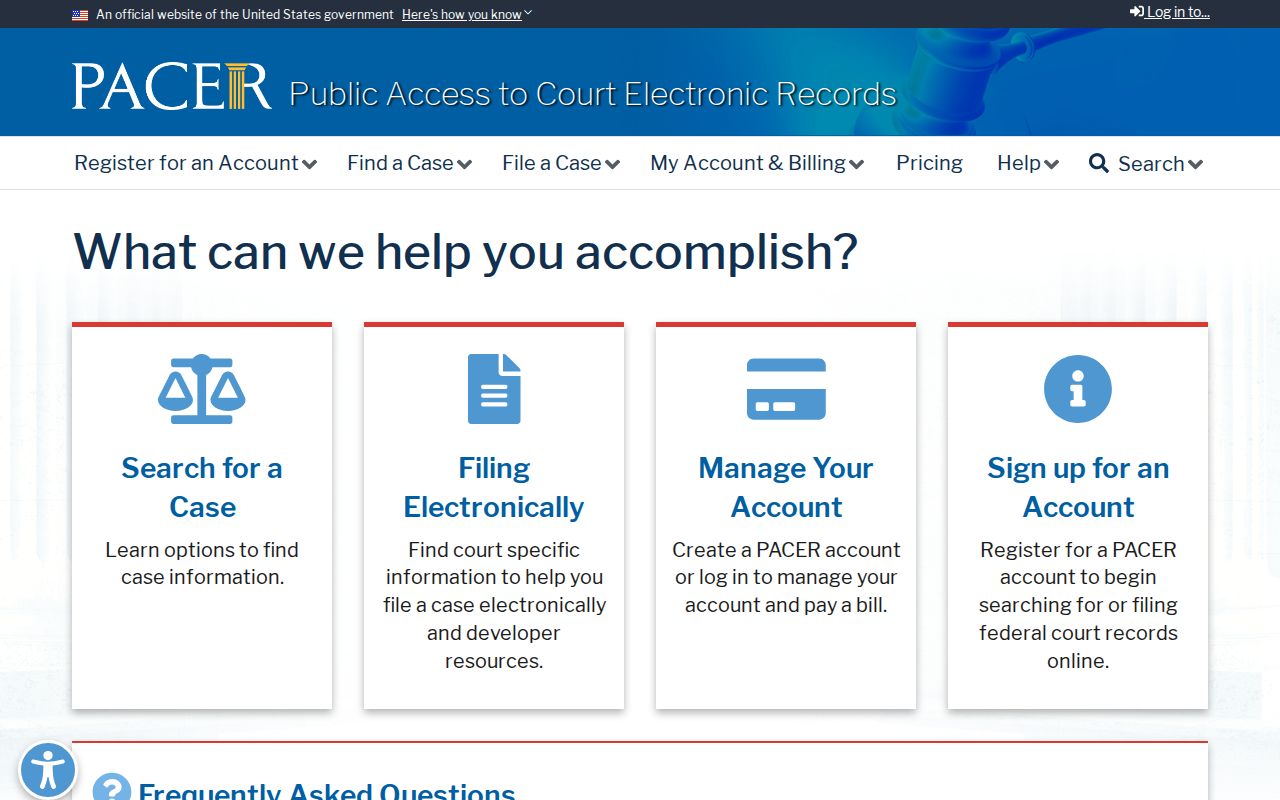
This federal page keeps the jurisdiction split clear: state district cases use Kansas CaseSearch, while federal district cases use PACER and the federal clerk. The official PACER pricing page describes remote fees.
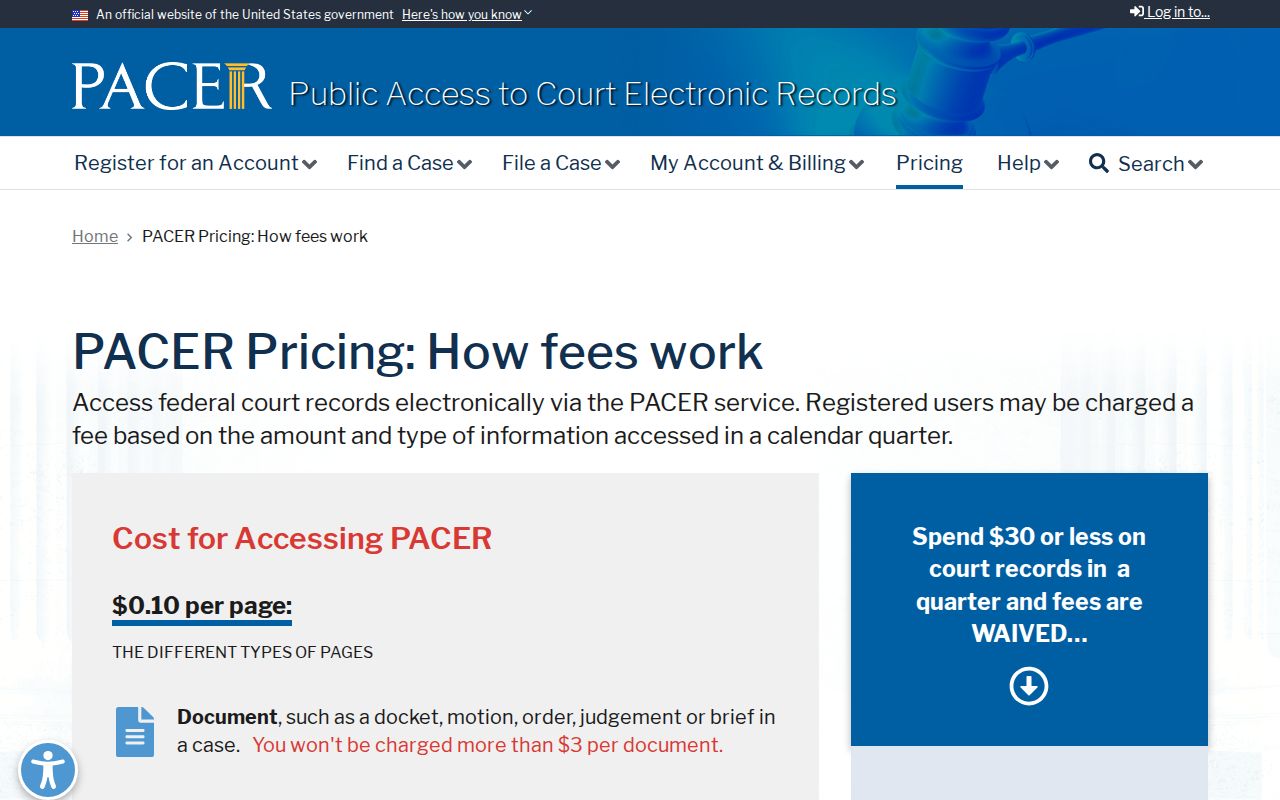
PACER usually charges ten cents per page, though most documents hit a three-dollar cap under its current rules and waiver threshold. Separate from all that, the federal filing login is its own channel.
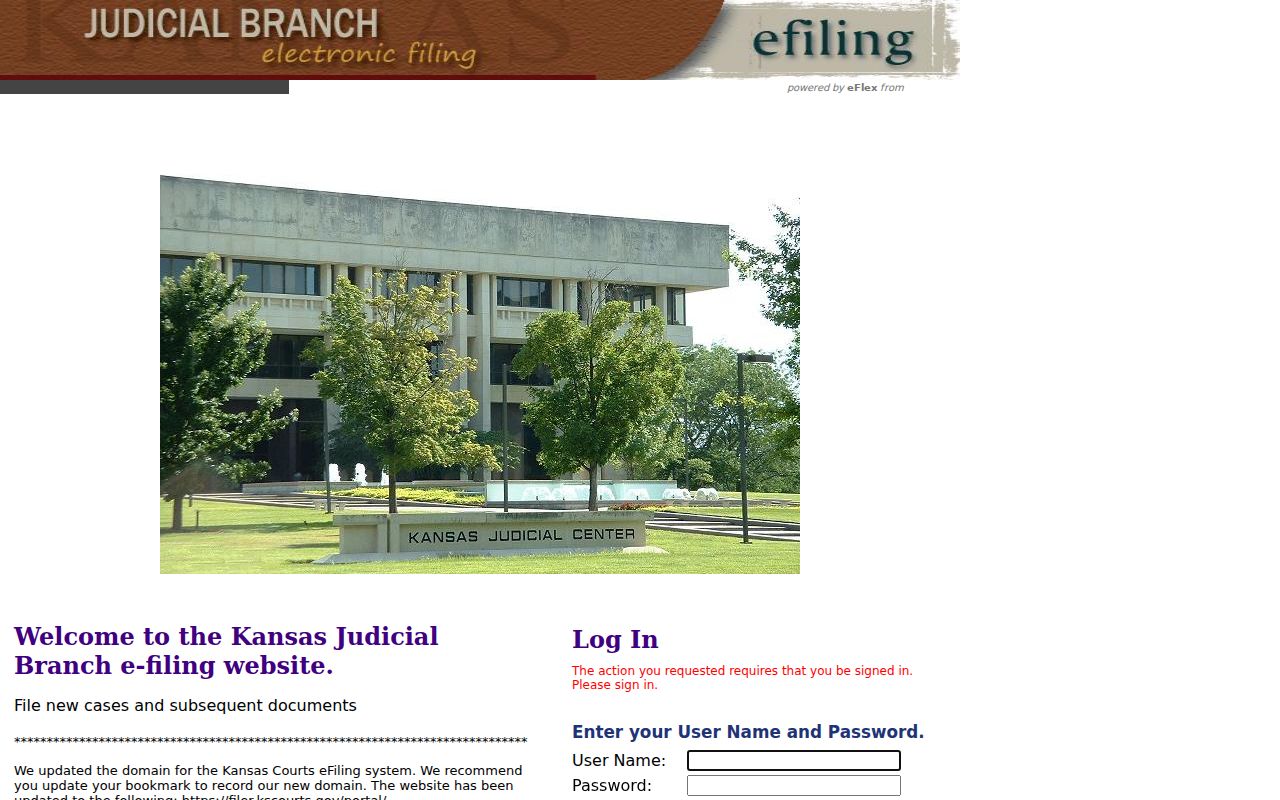
That login screen shows why an eFiling worklist should never stand in for the public Cheyenne County case search. The District of Kansas filing system also offers its own source view.
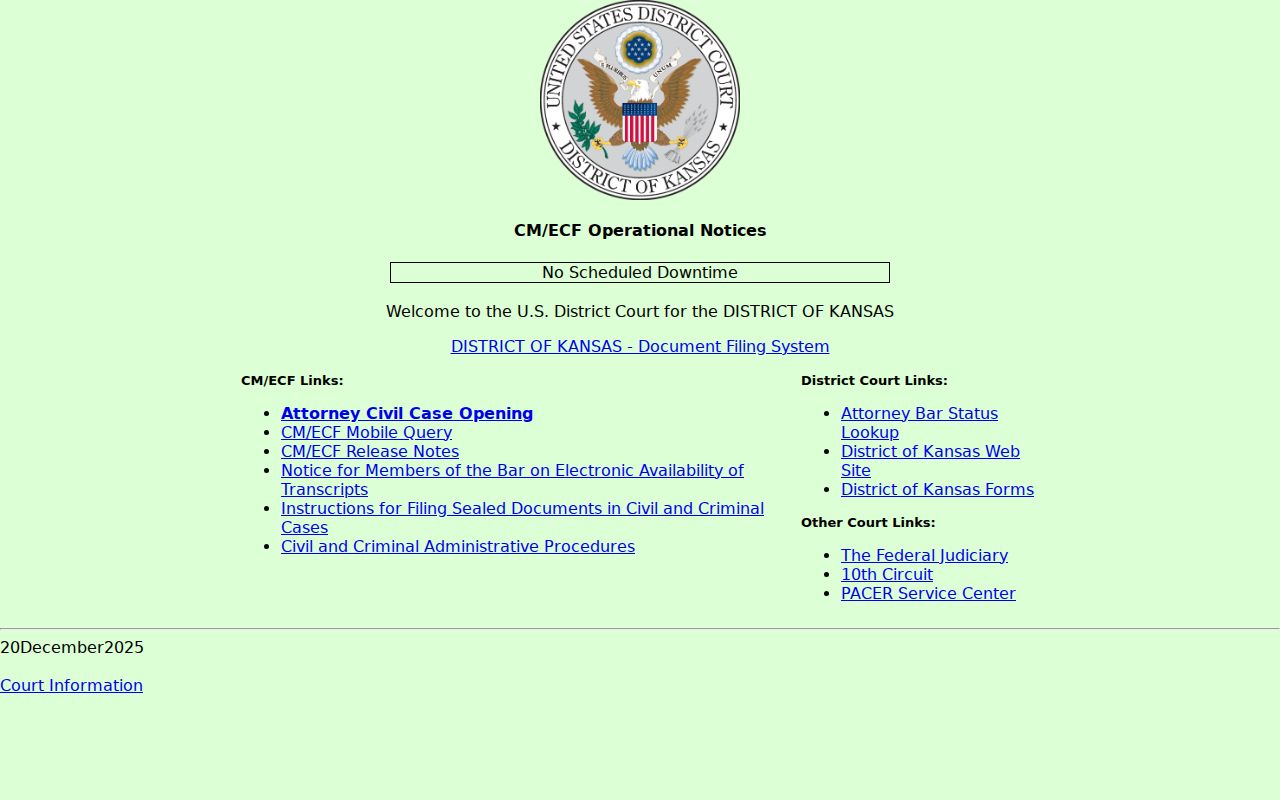
Always use the system tied to the filing court.
Verify Cheyenne County Case Search Matches
Check before you trust a result. Compare the filing court, case type, filed date, party role, and event sequence. Two people can share a name, so one query may return several records, and a case from another Kansas county is not a Cheyenne County match. If key facts conflict, stop. Use the case number or ask the clerk. That careful check keeps your research on your own case or a public matter accurate.
Cheyenne County CAPTCHA Search Checks
A CAPTCHA is part of the public flow. It is not a case restriction. If it expires, reload the official screen and submit a clear basic query again. Never jump to an unofficial database just to dodge the human check. When technical trouble persists, the courthouse terminal or the clerk is the sound fallback.
Cheyenne County Case Search Roles
Party roles give a name match its context. Plaintiff, petitioner, defendant, and respondent describe positions in a matter, not the outcome. Weigh the role against the case type and event history. If a role is missing or unclear, use the case number. Then ask the Cheyenne County clerk for public information.